
PS5 Clips to PC Over USB: The Route That Skips the App
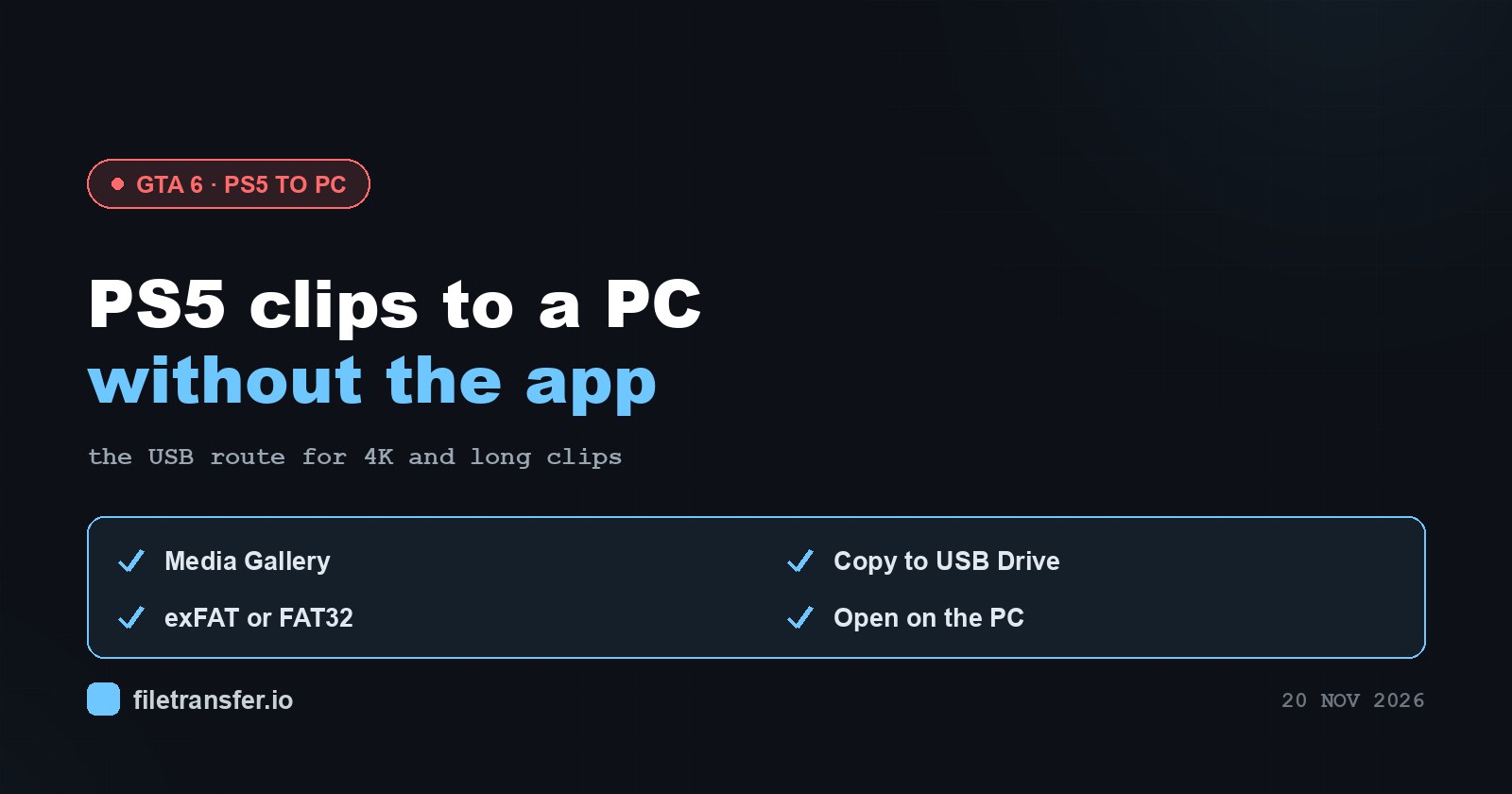
Before you touch the console, run through this short checklist. If any line applies to you, the USB route is the one you want.
- The clip was recorded in 4K.
- The clip runs longer than 3 minutes.
- You want the file on a computer, not a phone, and you would rather not install an app.
- The clip is older than 14 days and has already aged out of the PlayStation App.
GTA VI came out on 19 November 2026, and the first wave of long chases and 4K captures is sitting on PS5 consoles right now. A lot of that footage is exactly the kind the phone app will never see.
Why the app can’t do this job
The PlayStation App is a convenient bridge, but a narrow one. It only accepts clips of up to 3 minutes at 1080p, and it keeps them for 14 days. It also only picks up clips recorded after you turned on Auto-Upload; anything older has to be sent manually from Media Gallery.
So a 4K replay or a long session recording has nowhere to go through the app. Sony’s own answer for those files is a USB drive. If your clips are short and 1080p, our PS5 clips to phone guide shows the app route as well, and it is easier for that case.
What you need
- A USB flash drive or external drive formatted as exFAT or FAT32. If the PS5 does not offer to copy to your drive, the format is the first thing to check.
- A Windows PC or a Mac with a free USB port.
- Enough free space on the drive for the clips you plan to move. 4K footage adds up quickly.
Copying the clips to the drive
- Plug the USB drive into the PS5.
- Open Media Gallery.
- Select the clip you want.
- Choose Options, then Copy to USB Drive.
- Repeat for each clip, and wait for the last copy to finish before pulling the drive.
On the computer, open the drive and find the clips you copied. Drag the clips onto your desktop or into a project folder. Copy rather than move if you want the drive to stay as a backup.
What you’ll find on the computer
Unless you changed it, every clip will be a WebM file. That is the PS5 default because it keeps files small, but WebM does not play in the iPhone Photos app and often lands in Discord as a download instead of a player, which is why the next step usually matters.
To make future recordings come out as MP4 instead, go to Settings > Captures and Broadcasts > Captures > Video Clip Format > MP4. This only affects clips recorded after the change; everything already in your gallery stays WebM.
Cut and convert on the computer
With the files on your PC, you have three common jobs, and all of them run in the browser without uploading anything unless you ask.
Convert WebM to MP4. Drop the file into the PS5 WebM to MP4 converter. The output is MP4 with H.264 video and AAC audio, which is the combination most editors, phones and chat apps expect.
Trim the moment you actually want. A long capture usually holds one short highlight. The GTA 6 clip tool lets you cut it out and either compress it to a preset size or keep it large and send it as a link.
Send the full file. If the clip is going to an editor or a friend who wants the 4K original, send a link instead of compressing. A free link carries up to 4 GB and stays live for 3 days; Pro takes files up to 250 GB and Pro Plus up to 500 GB, with an expiry you choose. Keep in mind that any compression loses detail, so the original file is the only truly untouched version.
If a clip then refuses to play on someone’s iPhone, that is its own topic, covered separately. Whatever you share, keep it to gameplay you captured yourself, since links to leaks and pirated copies are removed.
Before you post: the party chat question
Party voice is written into the clip if the option is enabled in your capture settings before you hit record. That means a funny moment can also carry a friend’s unguarded commentary. If everyone in the party has agreed to being recorded, great. If not, turn party audio off in the capture settings before your next session, and check older clips before they go public.
One last thing
This guide is not connected to Rockstar or Take-Two, and neither is LimeWire. We have, however, spent a long time thinking about files travelling between computers. In the old days that meant a dial-up modem and a prayer; a USB drive and a browser tab is a genuine upgrade. For the rest of the console tools, including storage and Xbox guides, see the GTA 6 hub.